
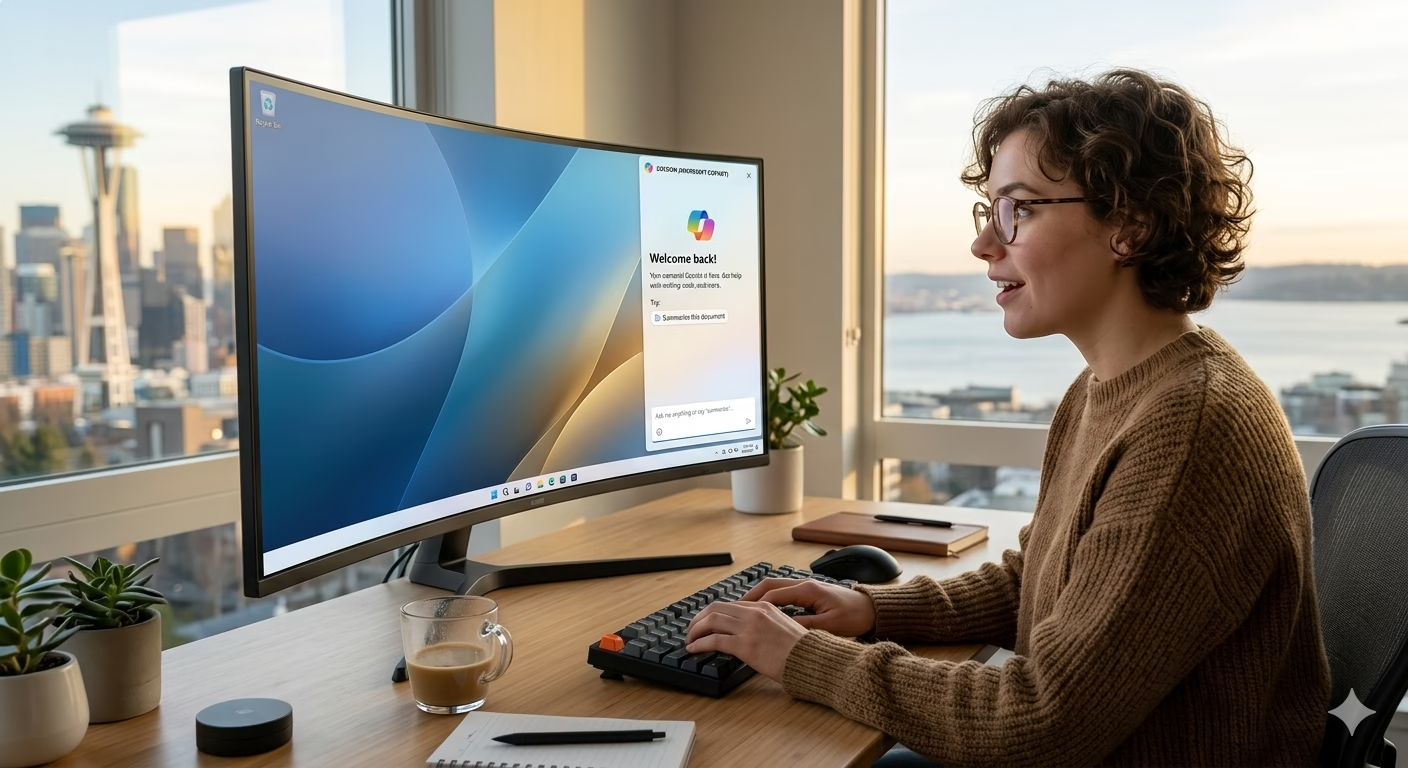
Microsoft Copilot Returns as a Sidebar in Windows 11
Introduction
Microsoft is once again redesigning the Copilot experience in Windows 11 by bringing the AI assistant back as a sidebar interface. The move reflects Microsoft’s continued push to integrate artificial intelligence more deeply into the Windows operating system and improve how users interact with AI-powered tools on desktop devices.
The updated sidebar design aims to make Copilot more accessible and useful during everyday tasks, allowing users to interact with the AI assistant without interrupting their workflow.
Copilot Sidebar Returns to Windows 11
The new version of Microsoft Copilot reintroduces the sidebar layout that many users were familiar with during earlier testing phases. Instead of appearing as a floating window or separate application, Copilot now integrates directly along the side of the desktop environment.
This design allows users to:
- Access AI assistance quickly
- Multitask while using other applications
- Keep conversations visible during work
- Interact with AI tools more naturally
Microsoft appears focused on making AI feel like a permanent productivity companion inside Windows rather than a standalone feature.
Improved User Experience and Productivity
The sidebar format is designed to improve usability by reducing interruptions during work sessions. Users can continue browsing, writing documents, coding, or managing files while interacting with Copilot simultaneously.
The updated interface also aligns with Microsoft’s broader vision of AI-assisted productivity, where artificial intelligence becomes deeply integrated into daily computing tasks.
Features expected within the Copilot sidebar include:
- AI-powered search assistance
- Writing and summarization tools
- Productivity recommendations
- System settings assistance
- Context-aware suggestions
This could make Windows 11 more efficient for both casual users and professionals.
Microsoft’s Bigger AI Strategy
The return of the Copilot sidebar reflects Microsoft’s larger AI ambitions across Windows, Office, Bing, and cloud services. The company has invested heavily in AI technologies and continues positioning Copilot as a central part of the future Windows experience.
There has also been speculation that future Windows versions may integrate AI even more deeply, with some reports suggesting Microsoft could redesign core interface elements around Copilot functionality.
Although such changes remain speculative, the continued expansion of Copilot shows Microsoft’s long-term commitment to AI-driven computing.
Competition in the AI Desktop Space
Microsoft faces growing competition in AI-powered computing from companies like Google, Apple, and various AI software startups. Integrating Copilot directly into Windows gives Microsoft a strong advantage because Windows remains the world’s most widely used desktop operating system.
By embedding AI into the operating system itself, Microsoft aims to make AI tools part of everyday workflows instead of optional third-party services.
This strategy could influence how future operating systems are designed across the industry.
User Reactions to the Sidebar Design
Initial reactions to the returning sidebar design appear mixed but generally positive. Some users prefer the persistent sidebar because it offers easier multitasking and faster access to AI assistance.
Others remain concerned about resource usage, privacy, and the growing presence of AI features inside operating systems. However, Microsoft continues refining the feature based on user feedback and testing.
The company is expected to further improve customization and control options in future updates.
Future of AI in Windows
The return of Copilot as a sidebar suggests that AI will become increasingly central to Windows 11 and future versions of the operating system. Microsoft is gradually transforming Windows into an AI-assisted platform where productivity, search, automation, and system management are enhanced through artificial intelligence.
As AI capabilities evolve, Copilot may eventually handle more advanced tasks such as workflow automation, contextual recommendations, and real-time assistance across applications.
Conclusion
Microsoft’s decision to bring Copilot back as a sidebar in Windows 11 highlights the company’s ongoing effort to make AI a core part of the desktop computing experience. The redesigned interface improves accessibility and multitasking while supporting Microsoft’s broader AI strategy.
As competition in AI-powered operating systems grows, the success of Copilot could play a major role in shaping the future of Windows and personal computing.
FAQs
1. What is Microsoft Copilot?
Microsoft Copilot is an AI-powered assistant integrated into Windows and Microsoft services.
2. What changed in Windows 11 Copilot?
Copilot has returned as a sidebar interface for easier multitasking and accessibility.
3. Why is Microsoft focusing on AI in Windows?
Microsoft wants to improve productivity and integrate AI deeply into daily computing experiences.
4. Can users disable Copilot?
Microsoft currently offers some customization options, though availability may vary by update.
5. Will AI become more important in future Windows versions?
Yes, Microsoft appears committed to expanding AI features across future Windows releases.