
Google Rejects Apple’s Liquid Glass: The Future of Pixel Design Identity
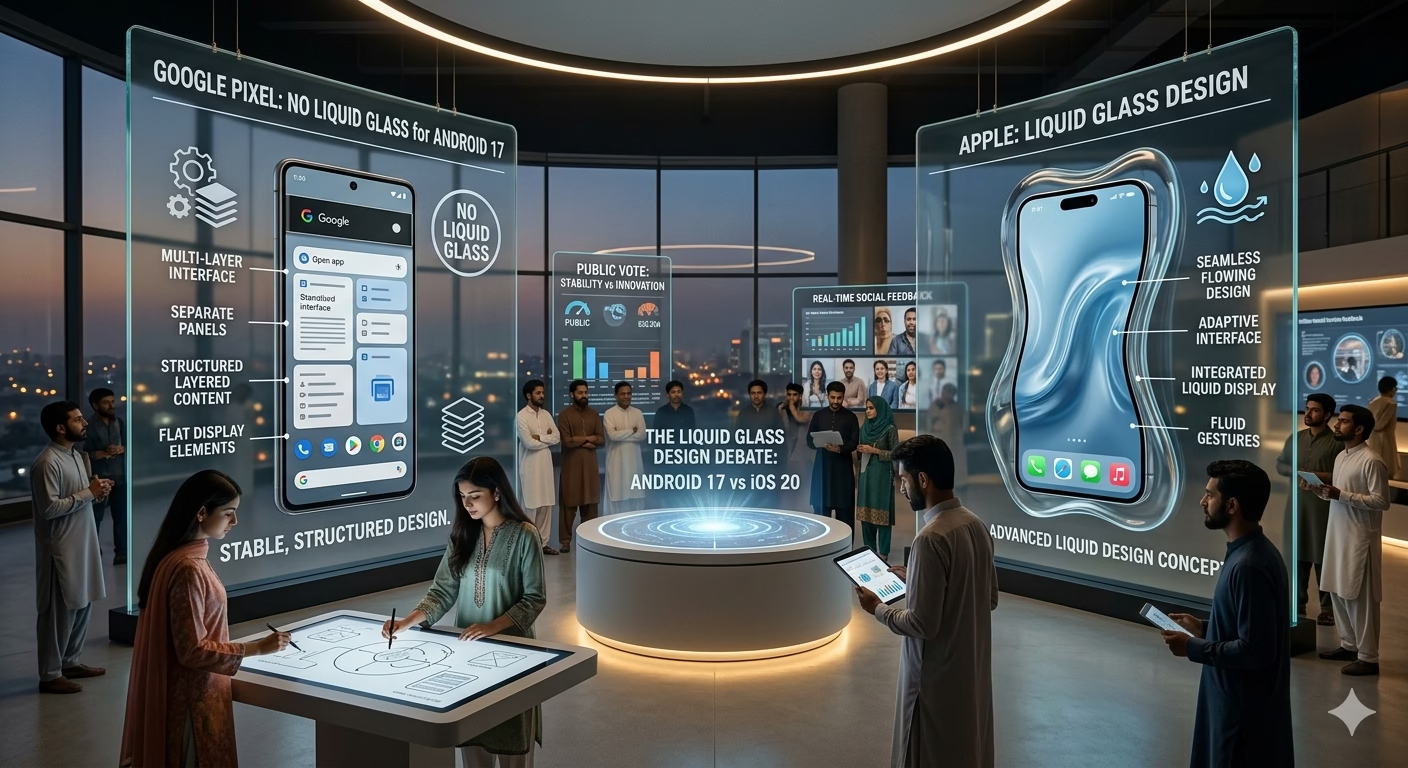
As of May 2026, the design philosophy of the world’s two leading smartphone operating systems has taken a sharp divergence. While Apple has doubled down on a high-gloss, translucent aesthetic known as Liquid Glass, Google has officially confirmed that it will not be following suit for its Pixel lineup. This decision underscores a broader strategy to maintain a “functional and grounded” user experience rather than chasing hardware-intensive visual trends.
The Design Rift: Why Google Said No to Translucency
The rumor mill went into overdrive earlier this month after an Android teaser featured a translucent mascot. However, Google’s leadership was quick to clarify that this was merely a creative animation and not a preview of the upcoming UI. The rejection of Liquid Glass is a calculated move to preserve the “Material” identity that Google has spent over a decade building.
The Appeal of Apple’s Liquid Glass
Apple’s latest design language relies heavily on:
- Specular Highlights: Menus and bars that reflect light as if they were made of polished glass.
- Dynamic Refraction: Background content that blurs and shifts in real-time as users scroll.
- Depth Perception: A multi-layered interface that uses shadows and light to simulate physical distance between the screen and the content.
Google’s Counter-Strategy: Material You Evolution
Google believes that while Liquid Glass looks impressive in demos, it can lead to visual clutter and increased battery drain. Instead, the Pixel 10 and the upcoming Android 17 update will focus on:
- Matte Surfaces: Using flat, consistent colors that prioritize text readability over visual flair.
- Frosted Textures: A compromise that offers subtle depth without the extreme transparency of Apple’s system.
- Motion Efficiency: Prioritizing “springy” animations that feel natural but don’t require the same GPU power as real-time glass rendering.
Troubleshooting Legacy Pixel Issues
While the design debate rages on, many users are still managing older hardware. Whether it’s a Pixel 3 or a Pixel 6 Pro, maintaining these devices requires specific technical knowledge.
Google Pixel 3: Fixing Lag and Auto-Restarts
The Pixel 3 remains a nostalgic favorite, but software aging can lead to performance degradation.
- Lag Fix: If your Pixel 3 is stuttering, the primary culprit is often full storage. Ensure at least 15% of your internal memory is free.
- Auto-Restart Problem: This is frequently linked to a failing power button or a software conflict. Booting into Safe Mode can help you identify if a third-party app is forcing the system to reboot.
Google Pixel 6 Pro: Common Faults and Sound Problems
The Pixel 6 Pro introduced the first Tensor chip, which came with its own set of unique challenges.
- Sound Distortion: If you experience audio crackling during calls, try toggling Bluetooth off to ensure there is no signal interference. Cleaning the speaker grills with a soft brush often resolves muffled sound issues.
- Display Issues: “Ghost touches” or flickering can occur if the screen has microscopic cracks. Using a high-quality screen protector can sometimes stabilize the touch digitizer.
The “Google Approved” Hardware Experience
Google’s design choice is also about performance. By avoiding the heavy rendering required for Liquid Glass, Google ensures that its Tensor G5 and G6 chips can focus their power on AI and Camera processing rather than UI fluff. This is why Pixel devices are often “Google Approved” for their long-term stability—they aren’t bogged down by overly complex visual effects that age poorly as software updates become more demanding.
Frequently Asked Questions (FAQs)
1. Why is Apple’s design called “Liquid Glass”?
It refers to the way the UI elements behave like physical glass, with light bending through menus and surfaces appearing liquid-smooth during transitions.
2. Will Android 17 look the same as Android 16?
No. While it won’t be “Liquid Glass,” rumors suggest Google will introduce a “Frosted Surface” aesthetic that adds more depth and blur to the notification shade and lock screen.
3. How do I fix the “Pixel problem” of screen burn-in on older models?
To prevent burn-in on OLED screens like the Pixel 3 and 6 Pro, avoid keeping the brightness at 100% for long periods and use Dark Mode whenever possible.
4. Is the Pixel 10 better than the iPhone for design?
Design is subjective. However, if you prefer Material Design—which is more about color and organization than transparency and shine—the Pixel is generally considered the superior choice for productivity.
5. Can a factory reset fix my Pixel 3 restarting?
Yes, if the issue is software-based. However, if the power button is physically stuck, a factory reset will not solve the problem. Always back up your data before attempting a reset.