
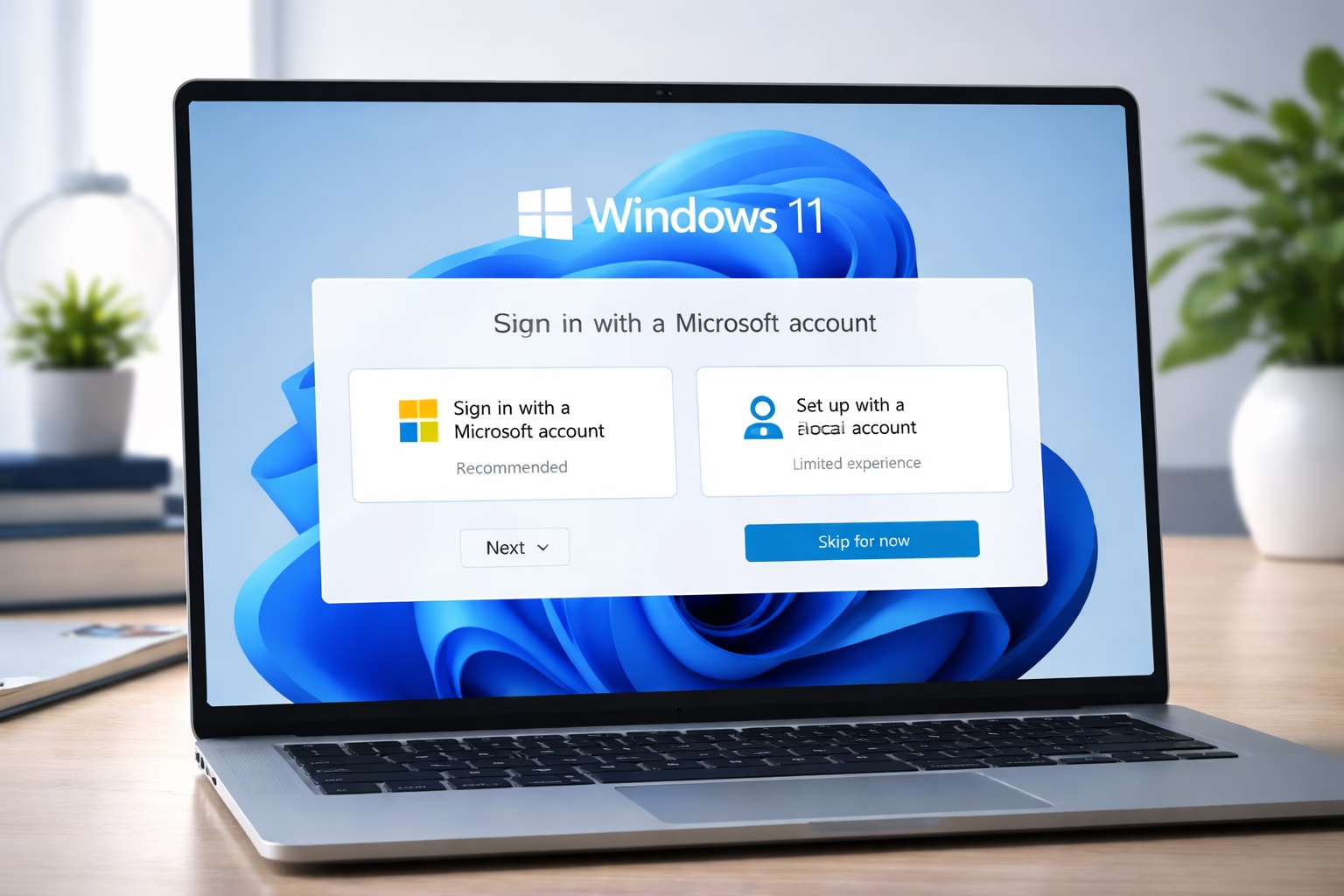
Microsoft May Remove Windows 11 Online Login Requirement
Microsoft is finally considering a change that millions of users have been asking for. The company may soon remove the requirement for an online Microsoft account in Windows 11, making the setup process simpler and more flexible.
Right now, if you install Windows 11, you’re forced to connect to the internet and sign in with a Microsoft account. For many users, this feels unnecessary—especially for those who prefer privacy or just want a quick, offline setup. Now, after years of complaints, Microsoft seems ready to rethink this decision.
What’s Happening Behind the Scenes
According to recent reports and internal discussions, Microsoft is actively working on a solution to remove this requirement. A senior company official even confirmed that the issue is being looked at, which is a strong signal that something could change soon.
This doesn’t mean the feature is coming tomorrow, but it shows that Microsoft is listening to user feedback. And honestly, it’s about time.
Why Users Hate the Microsoft Account Requirement
Let’s be real — most users don’t like being forced into something during setup. The requirement to sign in with a Microsoft account has been one of the biggest complaints about Windows 11.
Here’s why:
1. Privacy Concerns
Many users don’t want their personal data linked to an online account. A local account feels safer and more private.
2. Internet Dependency
Not everyone has stable internet, especially in areas with limited connectivity. Forcing online login makes setup frustrating.
3. Unnecessary Complexity
Some people just want a simple PC setup without syncing, cloud storage, or extra services.
4. Lack of Control
Users feel like they don’t fully own their system when basic setup requires an online account.
What Could Change in Windows 11
If Microsoft goes ahead with this update, it could bring back something many users miss — freedom of choice.
Here’s what we might see:
- Option to skip Microsoft account during setup
- Easy creation of a local account
- No forced internet connection
- Faster and simpler installation process
This would basically bring Windows 11 closer to how older versions of Windows worked.
Current Situation (And Workarounds)
At the moment, Windows 11 still requires an internet connection and Microsoft account, especially in the Home version.
Some users used to bypass this using tricks and commands, but Microsoft has been slowly blocking those methods. That means it’s getting harder to avoid signing in.
So right now, your best option is to:
- Complete setup with a Microsoft account
- Then switch to a local account later
How to Remove Microsoft Account from PC Windows 11
If you already installed Windows 11 and want to remove your Microsoft account, don’t worry — it’s still possible.
Follow these steps:
- Open Settings
- Go to Accounts
- Click on Your Info
- Select Sign in with a local account instead
- Enter your password and confirm
- Set a username for your local account
After this, your PC will no longer be linked to your Microsoft account.
How to Remove Your Microsoft Account from Windows 10
The process in Windows 10 is very similar and easy:
- Open Settings
- Go to Accounts
- Click “Your Info”
- Choose local account option
- Confirm your details
Within a few minutes, your system will switch to a local account.
How to Remove Microsoft Account Completely from Windows 10
If you want to remove the account entirely from your system:
- Open Settings
- Go to Accounts
- Click Email & Accounts
- Select your Microsoft account
- Click Remove
- Restart your PC
This ensures your account is fully removed from the device.
Why Microsoft Added This Requirement in the First Place
It’s not like Microsoft added this feature randomly. There are clear reasons behind it.
1. Ecosystem Integration
Microsoft wants users connected to services like OneDrive, Office, and cloud syncing.
2. Data Sync
Your files, settings, and preferences sync across devices with a Microsoft account.
3. Security
Online accounts allow features like recovery options and multi-device protection.
4. Business Strategy
Let’s be honest — Microsoft benefits financially when users stay in its ecosystem.
The Challenge Microsoft Faces
Even though users want this change, it’s not easy for Microsoft to implement.
Why?
- It could reduce usage of Microsoft services
- It may impact cloud-based features
- It goes against their long-term ecosystem strategy
So while removing the requirement is good for users, it’s a complicated decision for the company.
Why This Update Matters (Especially in Countries Like Pakistan)
This change would be a big deal for users in regions where internet access isn’t always reliable.
Benefits include:
- Easy offline setup
- Less data usage
- Better accessibility in rural areas
- Faster system installation
For many people, this isn’t just about convenience — it’s about usability.
Final Thoughts
Microsoft removing the online login requirement in Windows 11 could be one of the most user-friendly updates in years. It would bring back flexibility, improve privacy, and make the setup process much smoother.
While the feature isn’t officially released yet, the fact that Microsoft is working on it is already a positive sign. If everything goes well, users may soon have the choice they’ve been waiting for.
FAQs
1. Will Windows 11 remove requirement for an online Microsoft account?
Microsoft is currently working on it, but there is no confirmed release date yet.
2. Can I install Windows 11 without a Microsoft account?
Right now, it’s difficult without workarounds, but future updates may allow it officially.
3. How to remove Microsoft account from PC Windows 11?
Go to Settings → Accounts → Your Info → choose “Sign in with a local account instead.”
4. Is removing Microsoft account safe?
Yes, it is safe. However, you may lose features like cloud sync and Microsoft Store integration.
5. How to remove your Microsoft account from Windows 10?
Open Settings → Accounts → Your Info → switch to a local account.
6. How to remove Microsoft account completely from Windows 10?
Go to Settings → Accounts → Email & Accounts → select account → Remove.
🚀Build a Stronger Digital Footprint with RojrzTech
In a constantly changing digital environment, brands succeed by staying flexible and focused. RojrzTech delivers tailored solutions across web development, UI/UX, SEO, branding, and social media to help businesses strengthen visibility and performance online.
📩 Start Your Digital Growth Journey
Connect with RojrzTech to create digital experiences that support long-term growth and meaningful engagement. Let’s shape a smarter, more impactful online presence