
YouTube’s Picture-in-Picture Mode is Rolling Out to All Users Worldwide
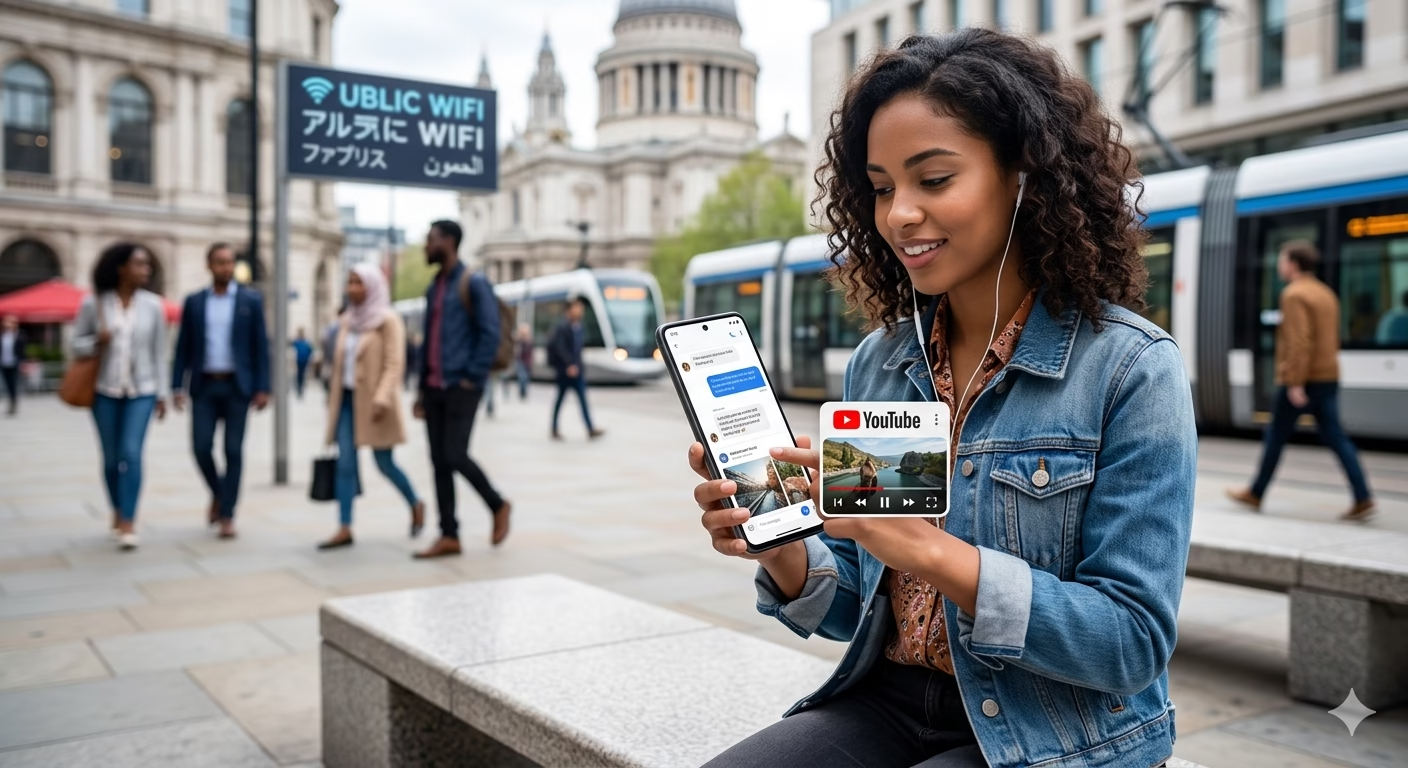
In a major update for video enthusiasts, YouTube’s picture-in-picture mode is rolling out to its global audience. This long-awaited feature allows users to continue watching their favorite content in a small, floating window while navigating other apps or browsing the web. Whether you are multitasking on a smartphone or working on a desktop, this update changes how we consume digital media.
1. What is YouTube Picture-in-Picture (PiP)?
Picture-in-Picture (PiP) is a multitasking feature that shrinks a video into a small player. This player can be moved around your screen and sits on top of other applications. With the latest rollout, users no longer need to stay locked inside the YouTube app or tab to keep the video playing.
2. How to Picture-in-Picture YouTube on iPhone
For mobile users, especially on iOS, the question of how to picture-in-picture youtube iphone has been a top search query.
- Enable in Settings: Go to your iPhone Settings > General > Picture in Picture and ensure “Start PiP Automatically” is on.
- YouTube App Settings: Inside the YouTube app, tap your profile picture > Settings > General and toggle on “Picture-in-picture.”
- Activation: Simply swipe up to go home while a video is playing, and it should shrink into the corner.
3. How to Do Picture-in-Picture YouTube on PC
Desktop users have a slightly different process. If you want to know how to do picture-in-picture youtube pc, follow these steps:
- Double Right-Click: Right-click once on a YouTube video to see the YouTube menu, then right-click a second time to see the browser’s native menu. Select “Picture in Picture.”
- Browser Extensions: You can also use a dedicated youtube picture in picture app or browser extension for more control over the window size.
4. Troubleshooting: Why It Might Not Be Working
Despite the global launch, some users are experiencing a youtube picture in picture glitch. If you find picture in picture youtube not working iphone, try the following:
- Update the App: Ensure you are on the latest version of the YouTube app.
- Background Play: In some regions, PiP for music videos still requires a YouTube Premium subscription.
- Content Restrictions: You might wonder why don’t some youtube videos play picture in picture? This is often due to the creator marking the video as “Made for Kids” or specific licensing restrictions that disable background play.
5. How to Disable or Turn Off PiP
Not everyone enjoys a floating window cluttering their workspace. If you want to disable picture in picture youtube, the process is straightforward:
- For Mobile: Go to YouTube Settings > General and toggle off “Picture-in-picture.”
- For Desktop: To turn off picture in picture youtube desktop, simply click the “X” on the floating window or hit the “Back to Tab” button on the player to return the video to its original spot.
Frequently Asked Questions (FAQs)
1. Is YouTube Picture-in-Picture free for everyone now?
Yes, the feature is rolling out for non-Premium users globally for standard video content. however, in some specific markets, PiP for music-related content may still be reserved for YouTube Premium subscribers.
2. Can I resize the PiP window on my phone?
Yes. On both Android and iOS, you can pinch the floating window to make it larger or smaller, or drag it to any corner of your screen to keep it out of the way of your other apps.
3. Does PiP work on all web browsers for PC?
Most modern browsers based on Chromium (like Google Chrome, Microsoft Edge, and Brave) as well as Safari and Firefox support PiP mode through the “double right-click” method or built-in media controls.
4. Why does my PiP window disappear when I change videos?
This is a common youtube picture in picture glitch. Usually, restarting the app or clearing your mobile cache resolves the issue. Ensure you aren’t closing the app entirely, but rather swiping to the home screen.
5. Will PiP mode drain my battery faster?
While PiP is efficient, keeping a video processing on top of another app does use slightly more resources than audio-only playback. However, it is generally optimized to have a minimal impact on modern devices.
🚀 Elevate Your Digital Presence with RojrzTech
The digital landscape evolves rapidly. Brands thrive when they adapt quickly, innovate continuously, and leverage robust online systems. RojrzTech empowers your business with tailored solutions in Website Development, UI/UX Design, Social Media Management, SEO, Branding, and Custom Digital Services.
Our expert team builds strategies that align perfectly with your goals, helping you achieve a stronger online presence, higher engagement, and sustainable growth. Every project is designed to give your brand a competitive edge in a fast-moving digital world.
📩 Ready to Transform Your Digital Future?
Don’t wait to take your brand to the next level. Contact RojrzTech today and start creating a digital experience that resonates, converts, and grows. Together, we’ll design, innovate, and elevate your brand’s online journey