
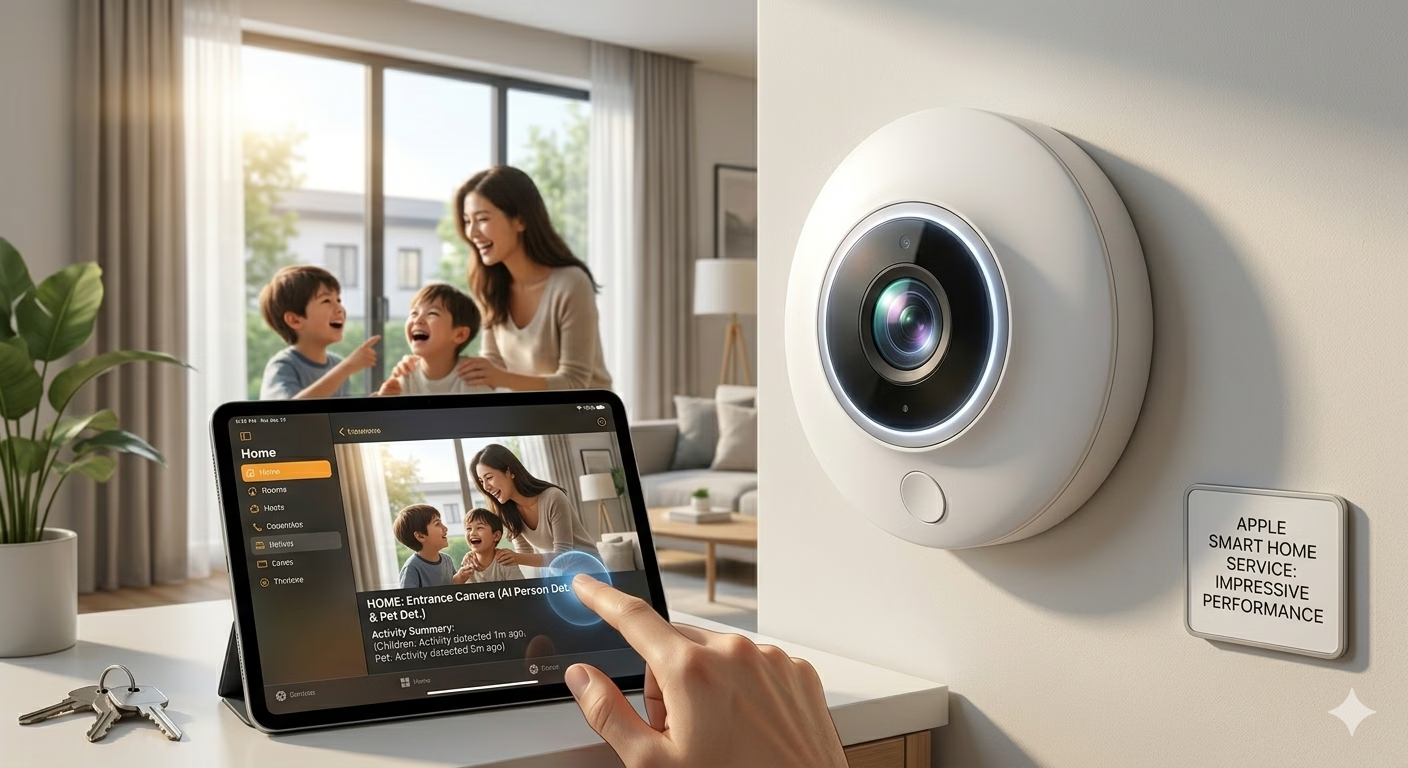
Apple’s Smart Home Camera Service Is Starting to Impress Me
Apple’s smart home ecosystem has often been praised for its privacy-focused approach, but it has struggled to keep pace with competitors when it comes to camera intelligence and advanced security features. That perception is beginning to change. With the latest updates announced for Apple Home and HomeKit Secure Video, Apple’s smart home camera service is becoming a far more compelling option for iPhone users.
The new features arriving with iOS 27 and tvOS 27 introduce AI-powered video descriptions, natural language search, smarter notifications, and support for higher-resolution recordings. Together, these improvements address many of the complaints users have had about Apple’s camera platform over the past several years.
What Is Apple Home Camera Service?
Apple’s camera platform is built around Apple Home and HomeKit Secure Video, a cloud-based security camera service available through iCloud+. The system allows compatible smart cameras to securely record footage, provide activity alerts, and integrate with the broader Apple smart home ecosystem.
Unlike many competing services, Apple places a strong emphasis on privacy. Video footage is encrypted, and much of the analysis is performed using Apple’s security infrastructure rather than relying entirely on third-party cloud processing.
Apple Intelligence Brings Smarter Camera Alerts
One of the biggest upgrades is the introduction of Apple Intelligence features for HomeKit Secure Video.
Previously, users often received generic motion alerts that required opening the video feed to determine what happened. Now, Apple Intelligence can generate detailed descriptions of events captured by cameras. Instead of simply reporting motion, the system can provide context about what occurred.
Benefits include:
- More informative notifications
- Faster event identification
- Reduced notification fatigue
- Improved home security awareness
- Better understanding of recorded activity
These AI-generated summaries help users quickly decide whether a notification requires attention.
Natural Language Search Changes Everything
Another major improvement is natural language search.
Users can now search camera recordings using conversational phrases rather than manually scrolling through footage. For example, someone can search for a package delivery or specific activity and quickly locate relevant clips.
This feature dramatically improves usability because finding important events in security footage has traditionally been time-consuming.
Natural language search offers:
- Faster video discovery
- Easier event tracking
- Better organization
- More practical long-term storage usage
For many users, this could become one of the most valuable additions to the platform.
4K Video Support Finally Arrives
One of the longest-standing criticisms of HomeKit Secure Video was its resolution limitation.
For years, Apple restricted recordings to 1080p, even when cameras supported higher resolutions. With iOS 27, compatible HomeKit Secure Video cameras can now stream and record in 4K.
The advantages of 4K recording include:
- Sharper footage
- Better facial recognition
- Improved object identification
- Greater zoom capability
- Enhanced security monitoring
This update helps Apple compete more effectively with services from Ring and Google Nest that have offered higher-resolution recording options.
Smarter Notifications Reduce Clutter
Apple is also redesigning how smart home notifications work.
Rather than sending multiple separate alerts for related events, the Home app can combine activities into a single evolving notification. This creates a cleaner experience and reduces unnecessary interruptions.
Examples may include:
- Arrival notifications
- Door unlock events
- Package deliveries
- Camera detections
- Garage door activity
Instead of receiving several alerts, users can see a unified summary of what’s happening around their home.
Improved Reliability and Performance
Historically, some users reported issues such as:
- Camera disconnects
- Missing clips
- Delayed notifications
- Slow video loading
Early testing of the new software suggests Apple has improved infrastructure performance, resulting in faster loading times and greater camera stability. While long-term testing is still needed, initial impressions indicate meaningful progress.
Improved reliability is particularly important for home security systems because users need confidence that important events will be captured and accessible when needed.
Apple Cam DVR Features Get Stronger
Many users searching for terms like “apple cam dvr” or “applecam nvr” are looking for advanced recording and monitoring capabilities.
While Apple does not market the service as a traditional DVR or NVR system, HomeKit Secure Video increasingly offers similar benefits:
- Cloud video storage
- Smart event detection
- AI-powered analysis
- Remote viewing
- Secure encrypted recordings
- Multi-camera support
These features make Apple’s solution a viable alternative to conventional security camera management systems for many households.
How to Connect Smart Camera With Mobile
A common question among users is how to connect smart camera with mobile devices.
For Apple users, the process generally involves:
- Connecting the camera to Wi-Fi.
- Opening the Home app.
- Scanning the HomeKit setup code.
- Assigning the camera to a room.
- Configuring recording preferences.
- Enabling notifications.
Once configured, users can view live footage directly from their iPhone, iPad, Apple TV, or other compatible Apple devices.
How to Connect CCTV Camera With Mobile iPhone
Many homeowners also search for how to connect CCTV camera with mobile iPhone.
The method depends on the camera type:
HomeKit-Compatible Cameras
These integrate directly with Apple’s Home app.
Third-Party CCTV Systems
Many CCTV brands offer dedicated iPhone apps that allow:
- Live viewing
- Motion alerts
- Playback
- Remote management
Some systems can also be integrated into Apple Home using compatible bridges and smart home accessories.
Apple Home vs Competitors
Apple’s updated camera platform is becoming increasingly competitive.
Privacy
Apple remains one of the strongest privacy-focused options available.
AI Features
The addition of Apple Intelligence narrows the gap with Google Nest and Ring.
Video Quality
The new 4K support addresses one of the biggest previous disadvantages.
Ecosystem Integration
Apple continues to excel for households already invested in iPhones, iPads, Apple TVs, and HomePods.
The Future of Apple Home Security
The latest upgrades suggest Apple is becoming more serious about the smart home market.
Industry observers expect Apple to continue expanding its home security offerings, and reports indicate the company may eventually introduce additional smart home hardware products. Enhanced camera intelligence, improved automation, and deeper ecosystem integration appear to be major priorities moving forward.
As Apple Intelligence becomes more deeply integrated across Apple’s ecosystem, smart home cameras are likely to become even more proactive and useful.
Conclusion
Apple’s smart home camera service is undergoing one of its biggest transformations since HomeKit Secure Video launched. The arrival of AI-powered descriptions, natural language search, smarter notifications, improved reliability, and 4K recording support significantly strengthens the platform. These upgrades address many long-standing weaknesses while preserving Apple’s commitment to privacy and security.
For users already invested in the Apple ecosystem, the new Home app experience makes HomeKit Secure Video more attractive than ever. While competitors still maintain strengths in certain areas, Apple’s smart home camera service is finally beginning to look like a true contender in the modern smart security market.
FAQs
What is Apple HomeKit Secure Video?
HomeKit Secure Video is Apple’s secure cloud-based camera recording service that works with compatible smart home cameras and iCloud+ subscriptions.
Does Apple Home now support 4K cameras?
Yes. iOS 27 adds support for 4K recording and streaming on compatible HomeKit Secure Video cameras.
What are Apple Intelligence camera descriptions?
They are AI-generated summaries that explain what happened in recorded camera footage without requiring users to watch the entire clip.
How do I connect a smart camera with my iPhone?
You can connect compatible cameras through Apple’s Home app by scanning the HomeKit setup code and following the setup process.
How do I connect a CCTV camera with a mobile iPhone?
Most CCTV systems connect through their dedicated iPhone apps, while HomeKit-compatible cameras integrate directly into Apple Home.
What is Apple Cam DVR?
Apple does not officially use this term, but HomeKit Secure Video provides DVR-like cloud recording, playback, and monitoring features.
What is AppleCam NVR?
Users often use this term to describe Apple’s camera recording ecosystem, though Apple officially refers to it as HomeKit Secure Video.
Why is my app camera stopped working?
Possible causes include software bugs, permission issues, hardware failures, network problems, or outdated applications.
Why is my iPhone 6s front and back camera not working?
The issue may result from hardware damage, iOS software problems, camera app errors, or faulty camera modules.
Is Apple Home better than Ring or Nest?
Apple offers stronger privacy protections, while Ring and Nest may still provide broader hardware ecosystems and automation options depending on user needs.
🚀 Build a Powerful Online Presence with RojrzTech
Quiet updates often carry the loudest consequencesIn an ever-evolving digital landscape, brands grow by adapting fast and executing smart. RojrzTech offers customized solutions in web development, UI/UX design, SEO, branding, and social media—helping businesses improve visibility, engagement, and overall digital performance.
📩 Start Growing Your Digital Presence Today
Partner with RojrzTech to craft digital experiences designed for long-term success and real audience connection. Let’s build an online presence that works harder for your busines